User manual · Agents
Reopened tickets and follow-ups
The 14-day window for reopening a resolved ticket, and how a follow-up ticket links back to the original.
This page shows you how a resolved ticket can be reopened, and what happens once that is no longer possible.
The 14-day window
A resolved ticket can be reopened within 14 days of the date it was last resolved. Within that window, a "Reopen request" button appears next to the ticket's title on its page.
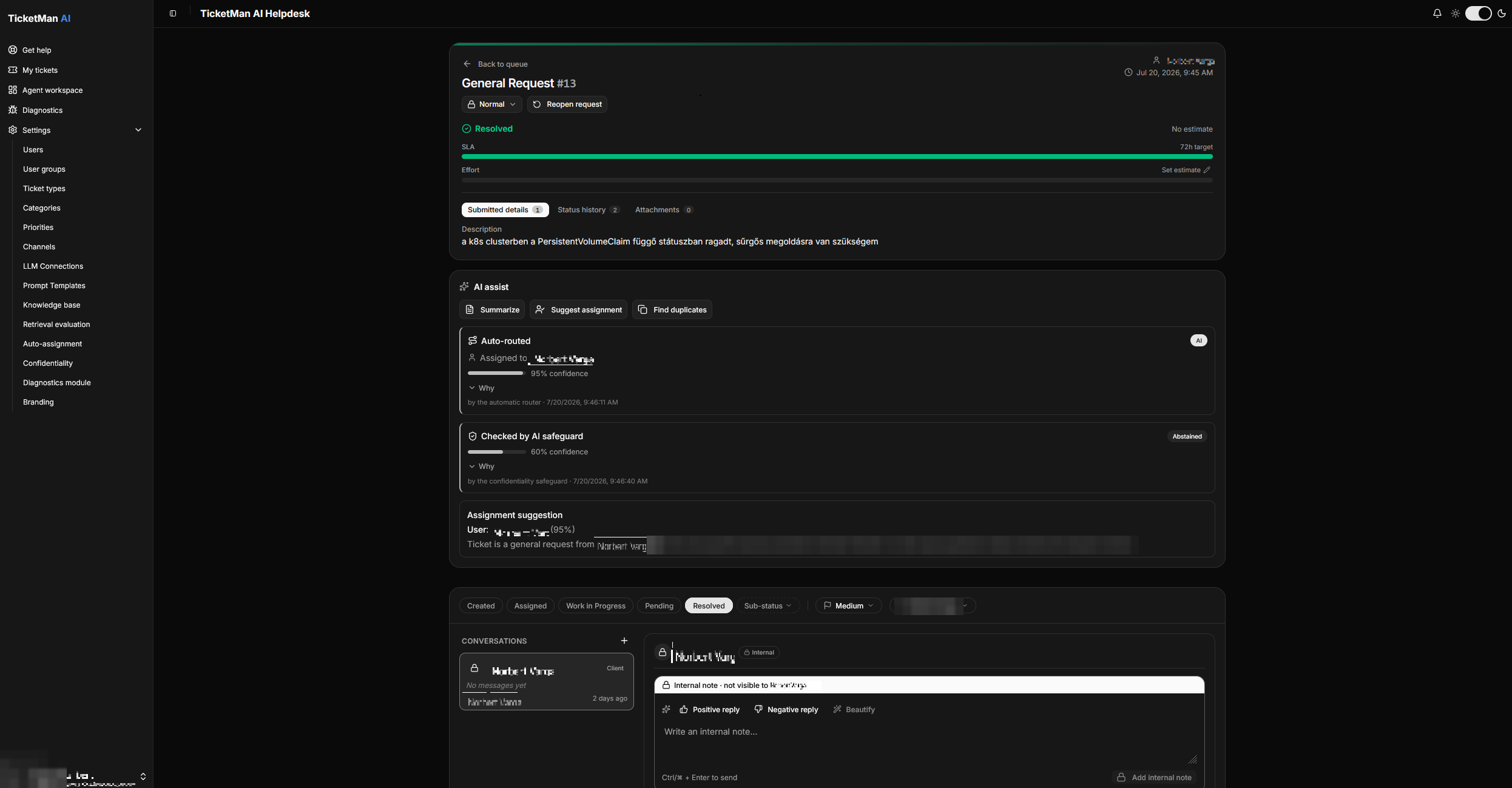
Selecting "Reopen request" moves the ticket back to an active status and clears its sub-status. Its assignment does not change: whoever it was assigned to before stays assigned.
You are not limited to this button. The status buttons described in "Working a ticket" always let you move a ticket out of "Resolved" yourself, whether or not the 14-day window has passed.
A reply from the requester on their original channel (for example, email) also reopens the ticket automatically within the window, without anyone needing to select anything.
When a ticket assigned to you is reopened, you get a notification under the bell at the top of the page, or by email if you do not have TicketMan open at the time. If the ticket only has a team assigned, every member of that team is notified instead.
Past the window
Once the 14-day window has passed, a new reply from the requester on the original channel no longer reopens the old ticket. Instead, TicketMan creates a new, separate ticket for it and points the conversation there from then on.
That new ticket shows a "Follow-up of #…" link next to its title. Select it to jump back to the original, older ticket.