User manual · Requesters
Getting help
How to open the Get Help page and choose the right kind of request.
This page shows you how to start a request, either as a quick general request or by picking the exact topic from a list.
Select "Get help" in the left menu to open this page at any time.
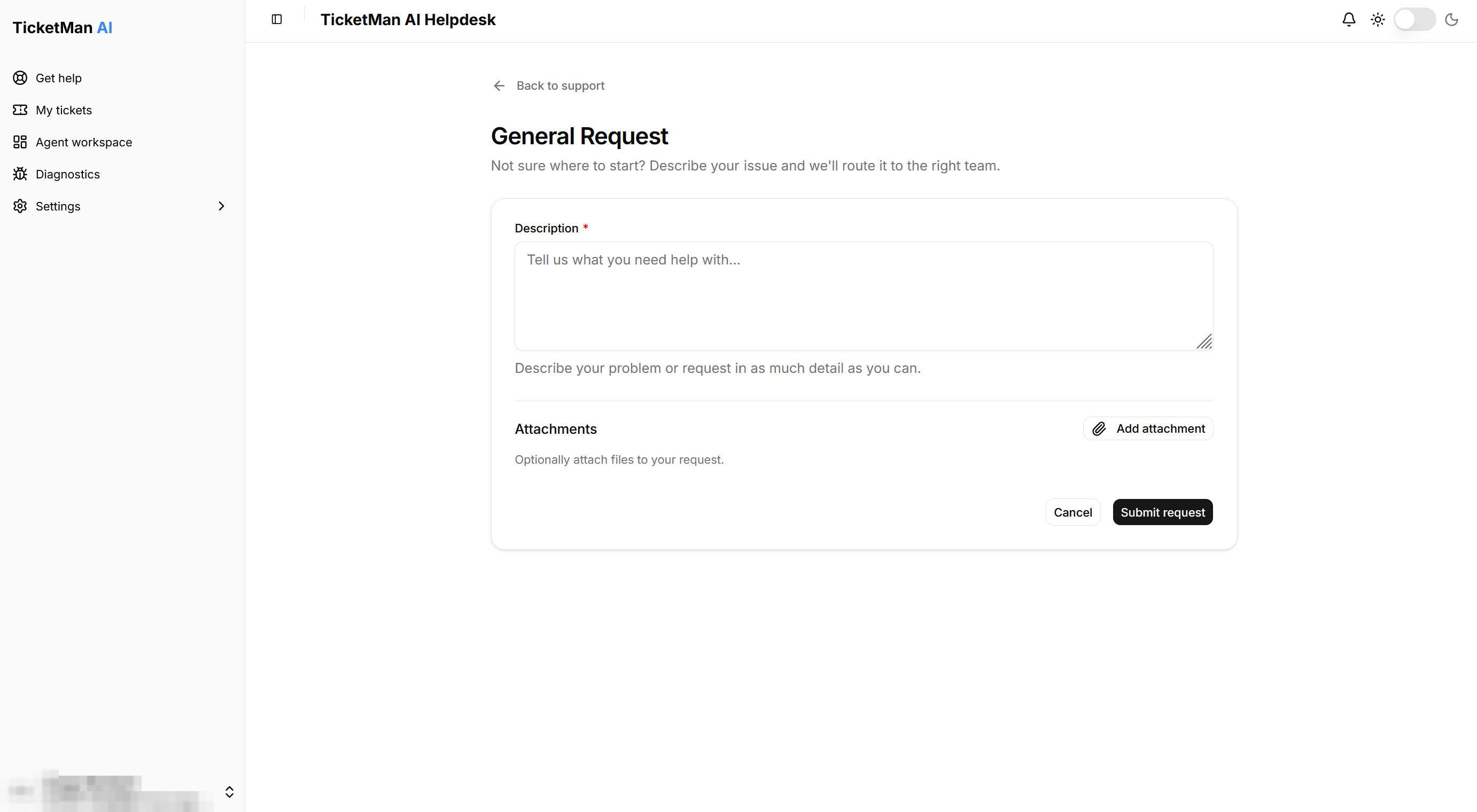
The fastest way: a general request
If you are not sure which topic fits your problem, you do not need to figure it out yourself.
- Select "Open a general request" near the top of the page.
- Describe your problem or request in your own words.
TicketMan routes your request to the right team for you. Before your request is created, an assistant may also try to answer your question right away. See "The help assistant" for how that works.
Browsing topics
If you already know what your request is about, you can pick it from the list under "Browse topics".
- Use the category list on the side to narrow down the topics. You can select more than one category at a time. Select "All topics" to clear your selection and see every topic again.
- Select a topic card to open its request form.
Each topic card shows the category it belongs to, the topic name, and a short description of what it is for.
Once you have chosen a topic, or used the general request, continue to "Creating a ticket" to fill in the request form.